
When Everyone Knows the Password, No One Is Accountable
Picture this: a paralegal leaves the firm. She had access to the document management system, the billing platform, and the client portal. Her login was shared with two other staff members because it was easier than setting up separate credentials when the software seat count was tight.
A few weeks pass. No one is sure whether her access was ever formally revoked.
Then a client calls with a question about who pulled their file last Tuesday.
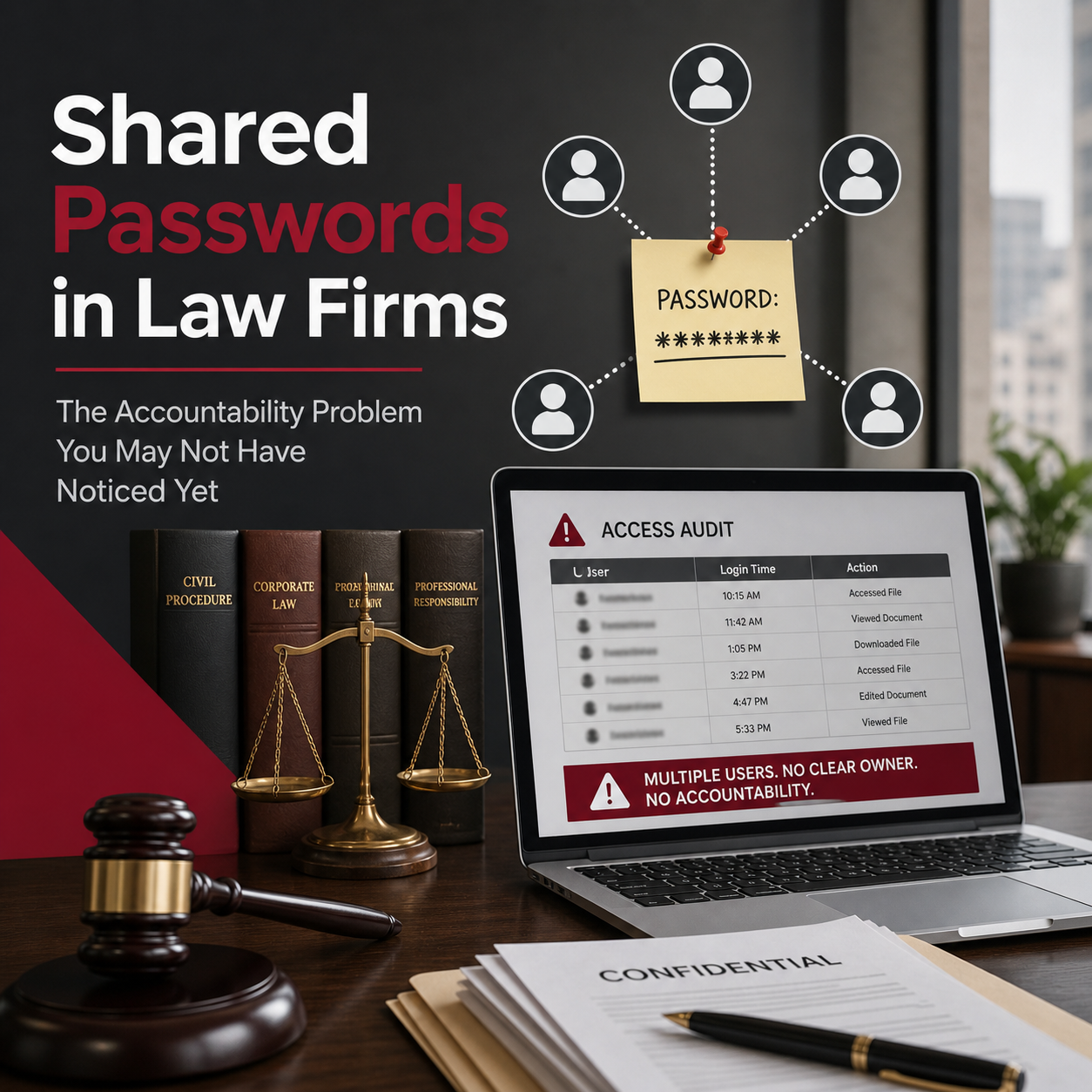
You check the audit log. It shows the shared account name. Not a person. Not a timestamp tied to anyone specific. Just a login that three or four people have used at different points, and no clean way to untangle who did what.
That is the quiet risk of shared passwords. It is not dramatic. It does not announce itself. It just sits there, creating a gap that only becomes visible at the worst possible moment.
—
Why This Habit Forms in the First Place
Shared credentials are not usually the result of carelessness. Most of the time, they are a workaround that made sense under the circumstances.
Software licenses have per-seat costs. Staff turnover creates pressure to keep things moving without delays. A new employee needs access right away, and the fastest solution is handing them an existing login. Over time, that pattern becomes the default.
A pattern I have noticed is that firms often share accounts for systems that feel low-stakes, like a scheduling tool or a reference database, and then apply that same habit to systems that carry real exposure, like a document management platform or a client-facing portal.
The assumption underneath all of it is usually that internal users can be trusted. That also means most of the time, that is probably true. The problem is that trust is not a substitute for accountability, and in a professional services environment, accountability is not optional.
—
What Shared Passwords Actually Look Like in a Law Firm
It is worth naming the specific places this shows up, because the risk is not abstract.
Shared admin accounts. A single login used by multiple people to manage software, reset user settings, or access backend configurations. When something changes unexpectedly, there is no way to know who made the change.
Client portal logins. Staff members sharing a single set of credentials to upload documents or communicate with clients. If something is accessed or sent in error, the trail ends at the shared account.
Billing and financial systems. Multiple staff using one login to enter time, generate invoices, or run reports. This creates exposure not just from a security standpoint, but from a financial accuracy and oversight standpoint.
Document management systems. File access and edits attributed to a shared account rather than an individual, which makes it impossible to reconstruct who reviewed or modified a document.
Each of these is an investigative dead end if something ever needs to be reviewed.
—
The Real Risk: An Audit Trail That Cannot Tell You Anything
Law firms operate under confidentiality obligations that are both ethical and, depending on your jurisdiction and practice area, regulatory. The ABA Model Rules, state bar ethics rules, and frameworks like HIPAA or state privacy laws all point in the same direction: firms have a duty to protect client information and to be able to demonstrate reasonable safeguards.
Shared credentials quietly undermine that. Not because they guarantee a breach, but because they make it impossible to respond credibly to an incident if one occurs.
If a client file was accessed without authorization, can you identify who accessed it? If a document was altered, can you trace that change to a specific person? If a former employee’s access should have been revoked but you are not sure whether it was, can you confirm one way or the other?
Shared passwords make all of those questions unanswerable. That is not just a security problem. It is a liability problem.
The inability to produce a clean audit trail is itself a gap in your firm’s data protection posture, and that gap exists regardless of whether anything bad actually happened.
—
What the Better Standard Looks Like
The good news is that moving away from shared credentials does not require a complex or expensive overhaul. The standard is straightforward.
1. Individual accounts for every user.
Each person who needs access to a system should have their own login. This applies to staff, contractors, and anyone else who touches firm systems. No shared logins, even for tools that feel low-risk.
2. Role-based access.
Not everyone needs access to everything. Limit access to what each role actually requires. A paralegal working on real estate matters does not necessarily need access to litigation billing. Scoping access reduces exposure and makes your audit trail more meaningful.
3. A simple provisioning and deprovisioning process.
When someone joins the firm, there should be a checklist of what access they need and a process for setting it up under their own credentials. When someone leaves, that same checklist drives a clean revocation. This does not need to be complicated. It needs to be consistent.
4. A review cycle for active accounts.
At least once or twice a year, review who has access to what. People’s roles change. Staff leave and new people take over. Systems get added. A periodic review keeps your access list accurate and surfaces anything that slipped through.
5. Visibility into what is actually being accessed.
Most enterprise platforms, including Microsoft 365, document management systems, and billing tools, have audit logging built in. Make sure it is turned on and that someone knows how to read it if needed.
None of this is punitive. It is simply what clean operational practice looks like at a firm that takes its obligations seriously.
—
A Practical Self-Check
Before moving on, it is worth sitting with a few honest questions.
– If you needed to trace who accessed a specific client file last week, could you do it with confidence?
– Do you know whether any shared credentials are currently in use across your firm’s systems?
– When was the last time someone left the firm and you can confirm, with certainty, that all of their access was revoked?
– If a client asked you to demonstrate that their data had only been accessed by authorized individuals, could you show them a clean answer?
If any of these feel uncertain, that is not a failure. It is useful information. It tells you where to start.
—
You Should Be Able to Answer These Questions
A well-run firm should be able to look at any system and tell you who has access, what they can do, and what they have done. That level of visibility is not just a security best practice. It is part of what it means to protect the trust clients place in your firm.
Shared passwords get in the way of that. Individual accounts, clean provisioning, and a simple review process are the path back to clarity.
If you are not confident you could answer the question of who has access to what right now, or whether you could trace any access back to a specific person if you needed to, that is worth a conversation. You can schedule time at https://diasystems.net/schedule-now/.
What does your current access review process actually look like? I would be glad to hear where firms are finding this easy or difficult.