
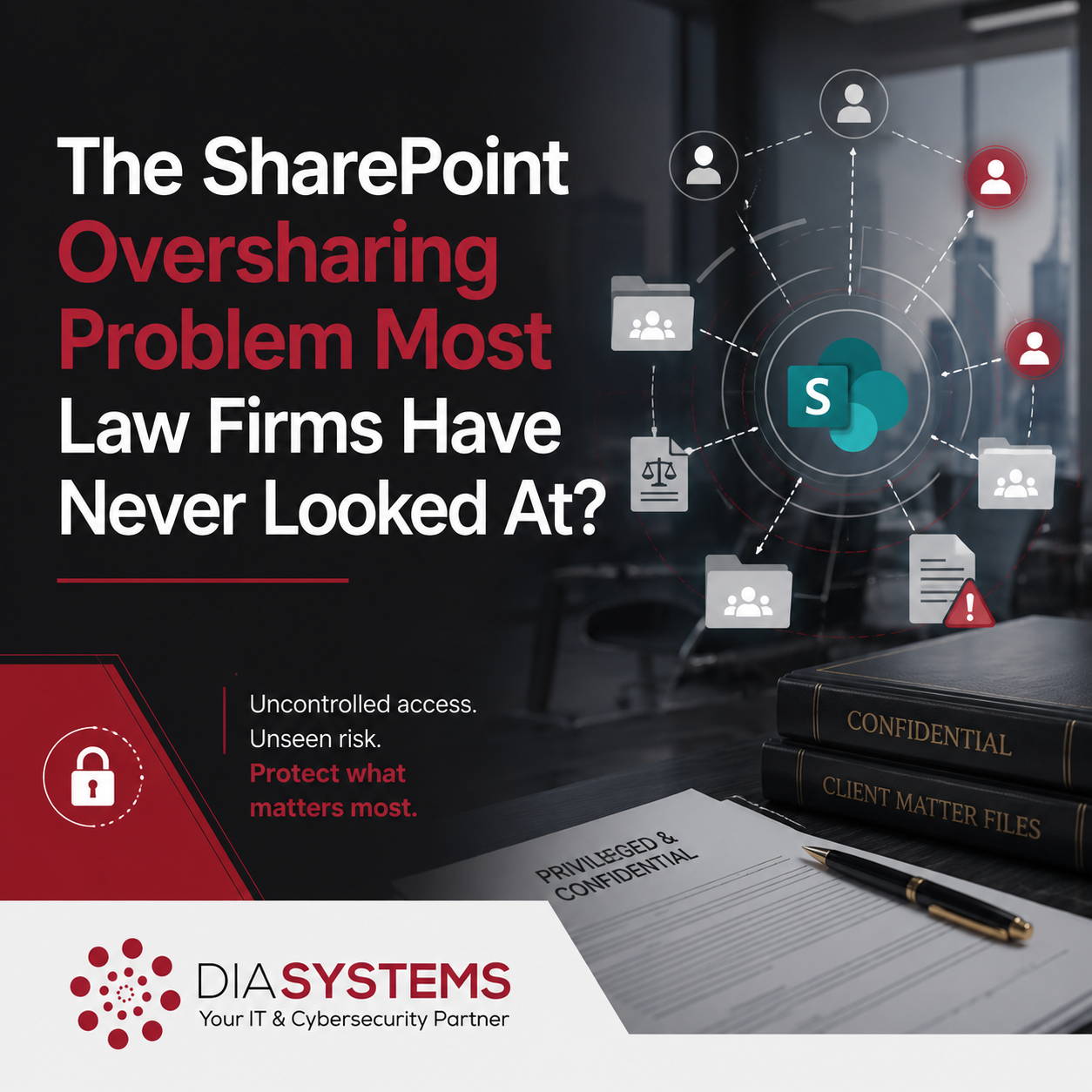
The Permissions Question Nobody Revisits
I’m noticing with firms that SharePoint gets set up, documents get added, and then the permissions question never really gets revisited. The platform works. Files are accessible. Collaboration is happening so the assumption becomes that access is reasonably controlled.
It usually is not.
By the time someone thinks to check, access has spread far beyond what anyone intended. Former employees, vendors, contract staff, paralegals who shifted practice groups two years ago. They may all still have a view into client matter folders that no one would consciously choose to share with them today.
This is not a story about negligence. It is a story about how tools get adopted without a clear governance standard, and how that gap becomes invisible over time.
Why This Happens in Practice
SharePoint’s default settings are built for collaboration. That is the design intent. Microsoft wants users sharing files easily, working across teams, moving quickly.
For a law firm handling confidential client matters, it does not make sense.
The most common issue is the “Anyone in the organization” sharing link. When someone shares a folder or document using that link type, every person in your Microsoft 365 tenant gets implicit access. It feels like internal sharing. It is actually broad, flat access with no individual accountability attached to it.
Over time, as headcount changes and matters close and new staff come on, those links accumulate. No one removes them because no one tracks them. The permissions map becomes a quiet, growing tangle.
Offboarding is the other place where things break down. Most firms disable an employee’s login when they leave. Fewer firms run a documented access review that specifically checks what SharePoint sites and folders that person had access to, and confirms that access has been removed cleanly. When offboarding is not tied to an access review process, former employees can retain access longer than anyone realizes, sometimes indefinitely if the account is disabled but the underlying permissions were never touched.
Vendors and contract staff introduce a similar pattern. They are granted access to do a specific job, and then the relationship changes or ends, and the access simply remains because no one built a process to revisit it.
What the Gap Actually Looks Like
We were brought into a firm after a lateral partner departure. During onboarding, we ran a permissions audit on their SharePoint environment. What we found was not unusual, but it was instructive.
Three former employees still had active access to client matter folders. One outside vendor retained broad access to a practice group’s document library. A paralegal who had moved to a different area of the firm still had permissions to matters she had no current role in.
Nothing had been breached. No one had done anything wrong. The exposure existed because access had been granted when it made sense and never reviewed when circumstances changed.
That is the gap most firms are living with. Not a dramatic incident. A slow accumulation of access that no one is actively watching.
Most firm leaders, if asked to describe the current state of their SharePoint permissions, would not be able to answer with confidence. That is not a criticism. It is a visibility problem, and visibility problems are solvable.
What Good Looks Like for a Law Firm
Getting SharePoint permissions under control does not require rebuilding your environment. It requires three things: a clear access standard, a review process, and someone who owns it.
1. Set a firm-wide access standard.
Decide what your default sharing posture should be. For most law firms, that means disabling “Anyone in the organization” links as the default, requiring that folder and site access be assigned to specific individuals or security groups, and defining who has permission to grant access and at what level. This standard does not need to be complicated. It needs to exist and be documented.
2. Run a permissions audit.
If you have never formally looked at who can access what inside your SharePoint environment, start there. A permissions audit surfaces the current state: who has access to which sites and folders, what link types are in use, which accounts belong to people who are no longer with the firm, and where access is broader than your standard allows. The findings are often surprising, and they are always useful.
3. Tie access reviews to existing processes.
The most practical way to maintain clean permissions over time is to build access review into moments you already manage. Employee offboarding is the obvious one. When someone leaves, access removal should include a specific check on SharePoint, not just disabling the login. The same applies when a vendor engagement ends or a contractor finishes a project. Matter closing is another natural checkpoint for reviewing who still needs access to a folder and who does not.
4. Assign ownership.
Permissions drift happens when no one is responsible for the state of access. Someone on your team or your IT partner should own this, know what the standard is, and have a clear process for maintaining it. That accountability is what keeps the audit findings from simply recurring.
A Self-Check for Managing Partners
Before moving on, it is worth pausing on a few honest questions.
– Do you know what the default sharing settings are in your SharePoint environment right now?
– Could you confirm that all former employees, vendors, and contract staff have had their SharePoint access removed?
– Does your offboarding process include a documented SharePoint access review?
– Do you know which folders or sites in your SharePoint are accessible to the broadest group of people in your organization?
– Is there a specific person who owns your access standard and reviews it regularly?
If the answer to most of these is “I am not sure,” that is not a failure. It is useful clarity about where to start.
The Path Forward Is Practical
SharePoint is a capable platform. Used well, it supports the kind of organized, accessible, collaborative document environment a modern law firm needs. The goal is not to make it harder to use. The goal is to make sure access reflects intent.
You should have confidence that confidential client documents are accessible to the people who need them and protected from the people who do not. That confidence comes from a clear standard, a process that maintains it, and visibility into the current state of your environment.
If you have never run a formal permissions review and want to understand what it involves, we are glad to walk through it with you. You can book a conversation at https://diasystems.net/schedule-now/.
What has been your experience managing SharePoint access as your firm has grown?