
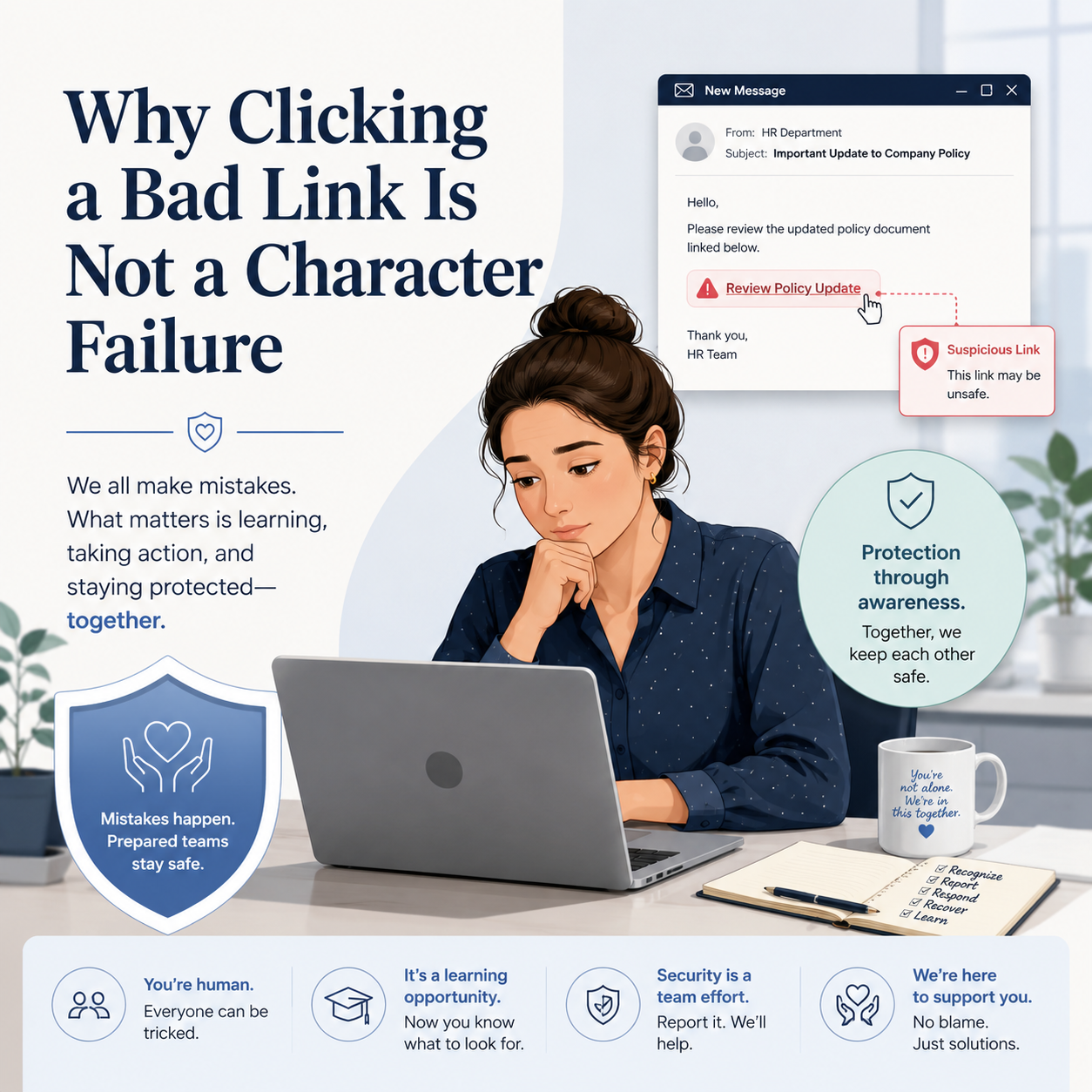
When someone on your team clicks a bad link, the instinct is to blame the person. That instinct is understandable. It is also the wrong place to put your energy.
Phishing attacks are not designed to fool careless people. They are designed to fool careful ones.
The firm manager who opened what looked like a DocuSign request tied to an active closing was not distracted or reckless. She had ten years of experience. The email looked exactly like the workflow she had processed dozens of times. She was moving, the deal was moving, and the email fit perfectly into the moment.
The link took her to a credential harvesting page. The firm did not find out until a client account was accessed without authorization three days later.
That is not a story about a person who failed. It is a story about a firm that was missing the layers that should have caught it before it ever reached her inbox.
Why This Keeps Happening
Modern phishing attacks are engineered with a level of precision that most people do not realize. Attackers study the tools your firm uses, the vendors you work with, and the workflows that are common in your practice area. They replicate logos, sender names, subject line formats, and even specific transaction language.
A convincing phishing email does not feel suspicious because it is not supposed to. The goal is for it to feel like the twentieth normal email in a busy morning. Clicking is not negligence. It is the intended outcome of a very deliberate process.
So when a click happens, and it will happen at some point in every firm, the question is not who clicked. The question is: what was in place to contain it?
Training Matters, but It Is Not a Strategy
Security awareness training is worth doing. Helping your team recognize red flags, slow down on unexpected requests, and verify before they click is genuinely useful.
What training cannot do is carry the full weight of your firm’s protection.
If the only thing standing between a phishing email and a compromised account is whether one person has a good day, that is not a security posture. That is a hope.
Training puts the burden on the individual. A real protection model distributes that burden across multiple layers so that no single moment of human judgment determines the outcome.
The Layers That Should Be There
This is what a layered email security environment actually looks like for a law firm, and why each piece matters.
- Email filtering and anti-phishing configuration
This is the first line of defense. A properly configured email security layer evaluates incoming messages for signs of spoofing, suspicious domains, impersonation patterns, and known threat indicators. It catches a significant portion of phishing attempts before they reach anyone’s inbox. Default Microsoft 365 settings do not provide this level of filtering on their own.
- Link scanning and safe links
Even when a phishing email gets through, link scanning can evaluate the destination in real time before the page loads. If the link resolves to a known malicious site or a credential harvesting page, the user sees a warning or a block rather than the attack itself. This is a layer that turns a bad click into a near-miss instead of an incident.
- Endpoint protection
If something does execute, whether through a link, an attachment, or a downloaded file, endpoint protection is what detects and contains it at the device level. This is not the same as basic antivirus. Modern endpoint protection monitors behavior, not just known signatures.
- Multi-factor authentication
Credential harvesting attacks, like the one in the scenario above, are designed to capture a username and password. Multi-factor authentication means that even when those credentials are stolen, they are not enough to access the account. This single control stops a large percentage of account takeover attempts cold.
- Conditional access policies
Conditional access adds logic to the question of who gets in. Even with valid credentials and a passed MFA prompt, these policies can flag or block access attempts that come from unexpected locations, unmanaged devices, or unusual patterns. It is an additional checkpoint after authentication.
Most firms I work with are missing at least two of these layers. Sometimes more.
The Microsoft 365 Default Settings Gap
This is worth pausing on because it comes up often.
Microsoft 365 is a legitimate, well-built platform. Running your firm on it is a reasonable choice. What firms often do not realize is that the default configuration is built for broad accessibility, not for the threat environment that law firms operate in.
The out-of-the-box settings leave real gaps. Without additional configuration, a well-crafted phishing email has a clear path to the inbox. Without Defender for Office 365 properly set up, link scanning and attachment sandboxing are either off or running at a level that would not catch a sophisticated attack.
The consequence of that gap is not theoretical. It is the three-day window in the scenario above, between the click and the discovery that a client account had already been accessed.
Being on Microsoft 365 does not mean you are protected. It means you have access to tools that, when configured correctly, can protect you.
What a Protected Firm Looks Like After Someone Clicks
In a well-configured environment, a bad click is not the end of the story. It is the beginning of a containment sequence.
The link gets flagged or blocked before the page loads. If credentials are entered, MFA prevents account access. If an account is compromised, conditional access policies limit what can be accessed from where. Alerts surface to whoever manages your security so the incident can be identified and addressed quickly.
One human moment, in other words, does not become a firm-wide incident. That is what good looks like.
Your staff can focus on their work. Your clients can trust that their information is protected. That also means you are not holding your breath every time someone opens their email.
Is Your Firm Carrying the Right Layers?
These are worth sitting with honestly.
– If someone on your team clicked a phishing link today, what would happen next?
– Do you know whether your Microsoft 365 environment is configured beyond the defaults?
– Is multi-factor authentication enabled for every account, including shared mailboxes?
– If credentials were stolen right now, how quickly would you know?
– Is your team carrying the weight of your firm’s security alone, or do you have the layers underneath them?
If any of those questions made you pause, that is useful information.
Law firm phishing protection is not about finding the weak link on your team. It is about building an environment where the weak moment, whenever it comes, does not define the outcome.
If you want to talk through what your current setup actually covers and where the gaps might be, you can book a conversation at https://diasystems.net/schedule-now/. No pressure, just a practical look at where things stand.
What is one thing you wish your team understood better about how phishing attacks actually work?